
Deploying examples in IIS
This guide demonstrates how to configure a new website in Internet Information Services (IIS) and implement the integration examples provided in the SDK zip package.
Extract the contents of the package
Locate the downloaded .zip package, and proceed to extract its contents.
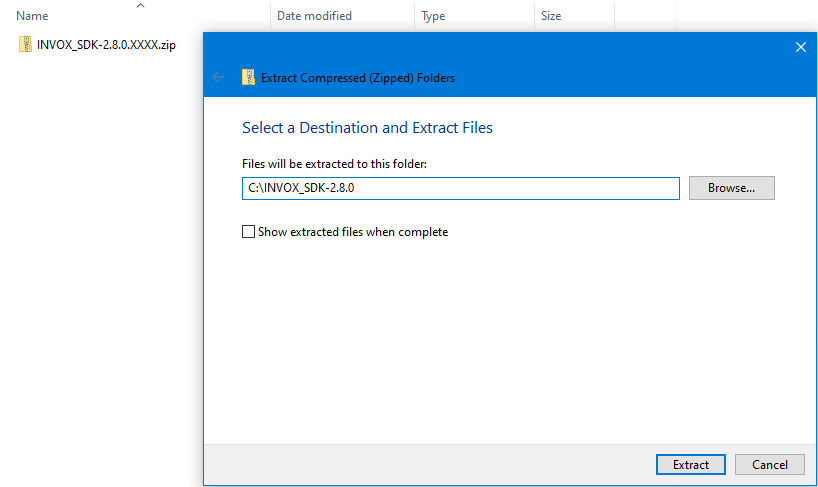
Once the process is finished, you will see the following content in the C:\INVOX_SDK-2.8.X folder.
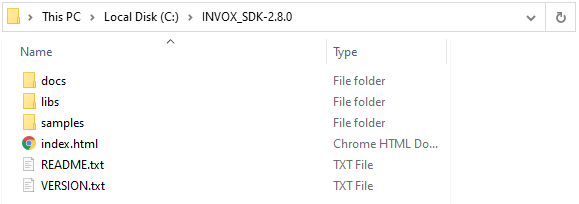
Now copy this content to C:\inetpub\wwwroot\INVOX_SDK-2.8.X so that it can be linked to the website you will create.
Open the IIS Manager
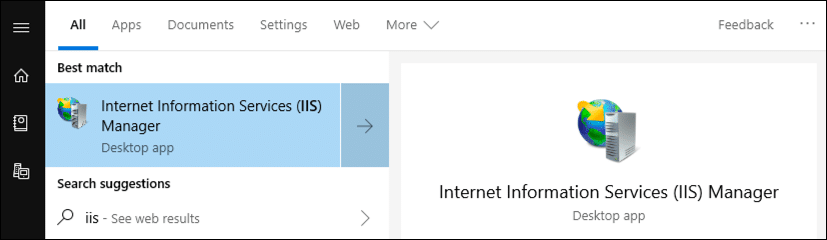
Open Internet Information Services Manager (IIS). You can find it by typing "IIS" in the Windows search field.
Enable MIME type wasm
This MIME type is necessary to send audio from the browser with HTML5.
Open MIME Types.
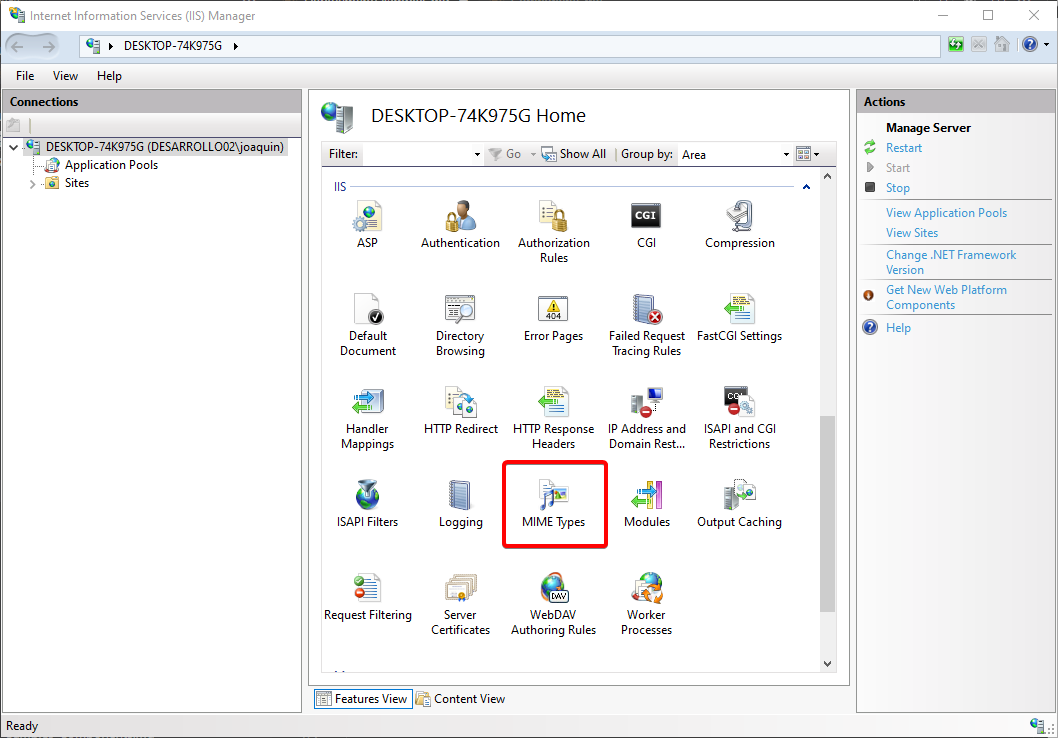
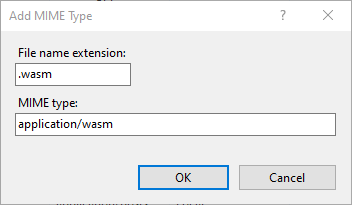
Right-click, select Add... and set the values:
| Field | Value |
|---|---|
| File name extension | .wasm |
| MIME type | application/wasm |
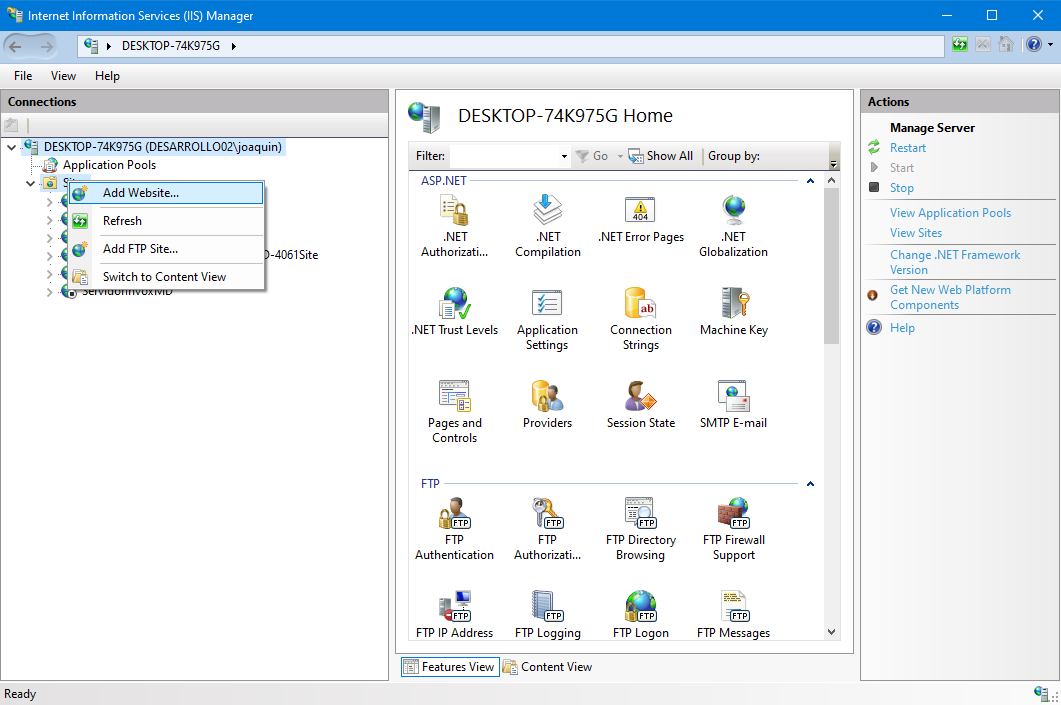
Add new website for SDK examples
On the root of the sites, right-click and select the Add Website... option.
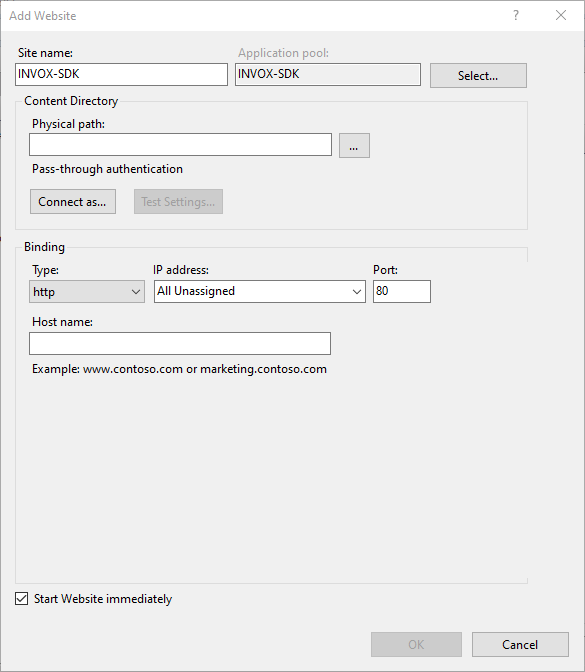
Create site
Fill in the necessary data:
- Site name: Use something relevant and easy to identify, e.g. INVOX-SDK.
- Content directory > Physical path: Specify the path to the directory where you copied the SDK files (e.g.
C:\inetpub\wwwroot\INVOX_SDK). Use the button on the right to navigate to it.
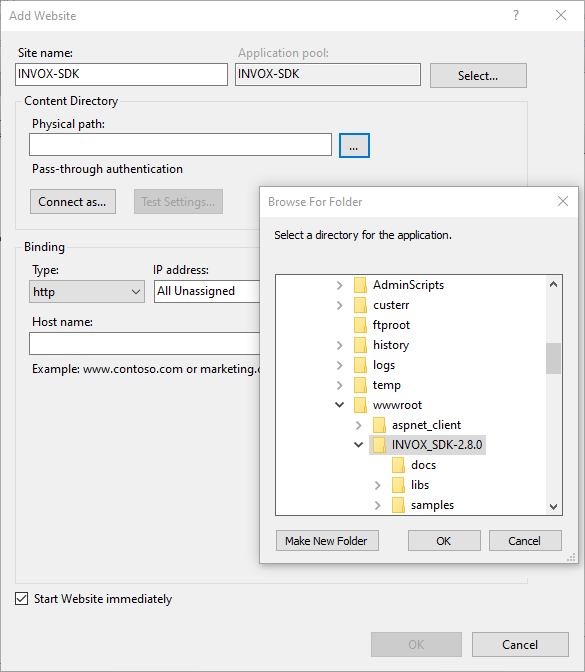
libs and samples subfolders.- Bindings: Specify the hostname, protocol and port. For example, use HTTP on port 80 with hostname mysdk.localhost.
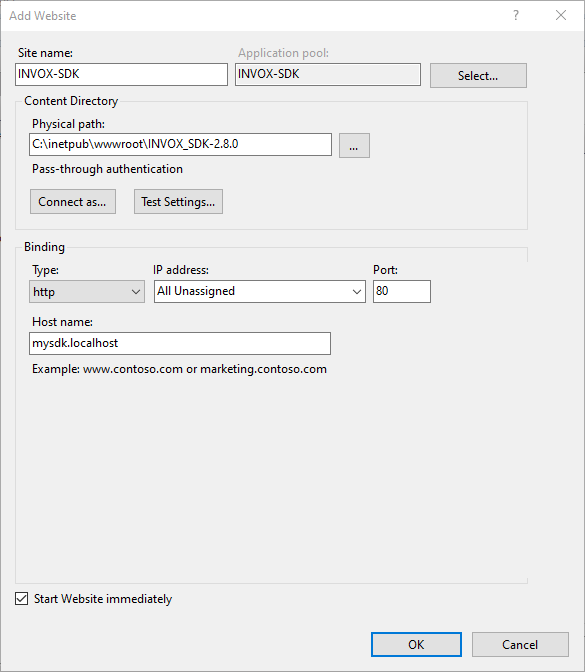
Accept the changes and the website will be successfully created.
Next steps
You can check the website by accessing mysdk.localhost from a browser. The result should look like the following image.
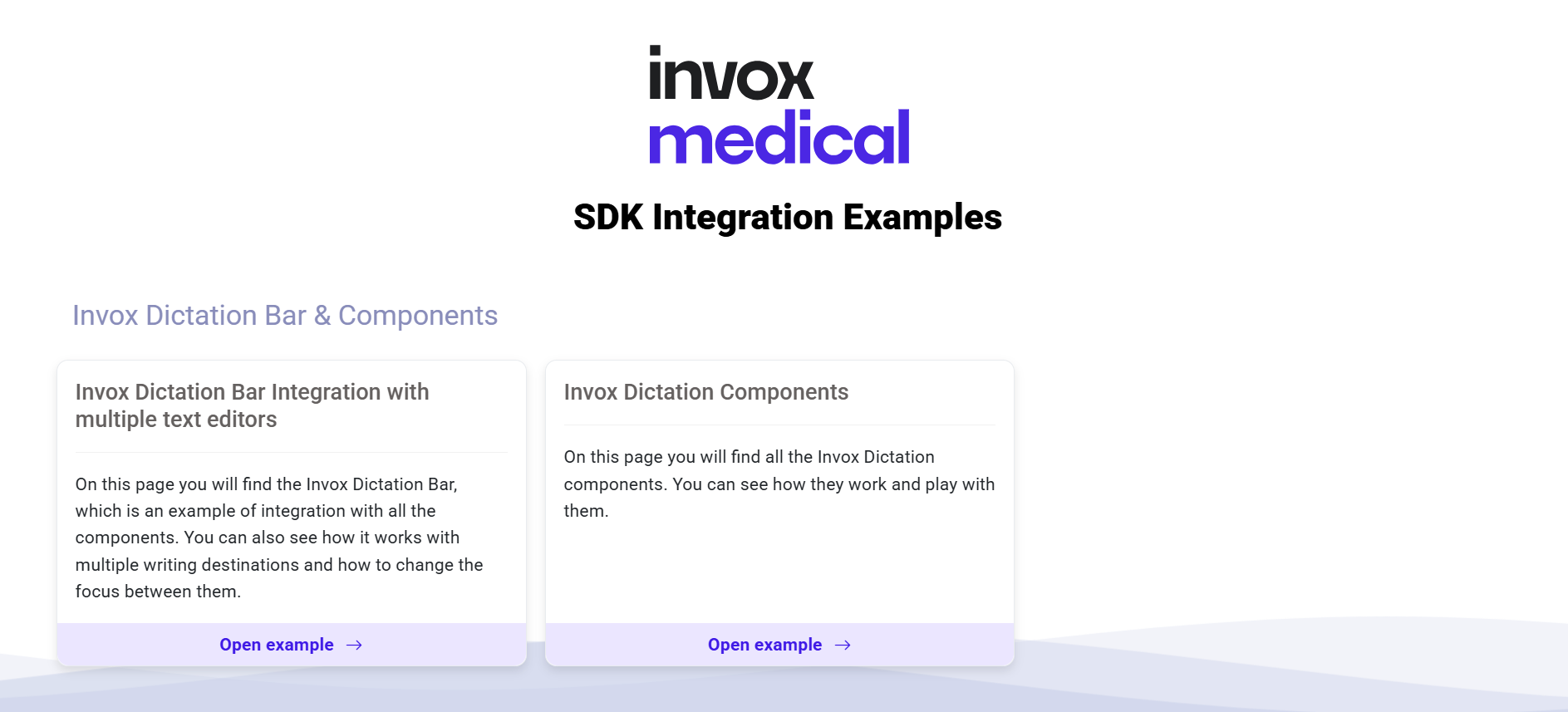
From here, you can refer to the Test Scenarios section for a more in-depth look at each example.