
Deploying examples in Docker
This guide demonstrates how to deploy the Invox Dictation SDK integration examples using Docker.
More information about the package contents can be found in the Download section.
Extract the contents of the package
Locate the downloaded .zip package, and proceed to extract its contents.
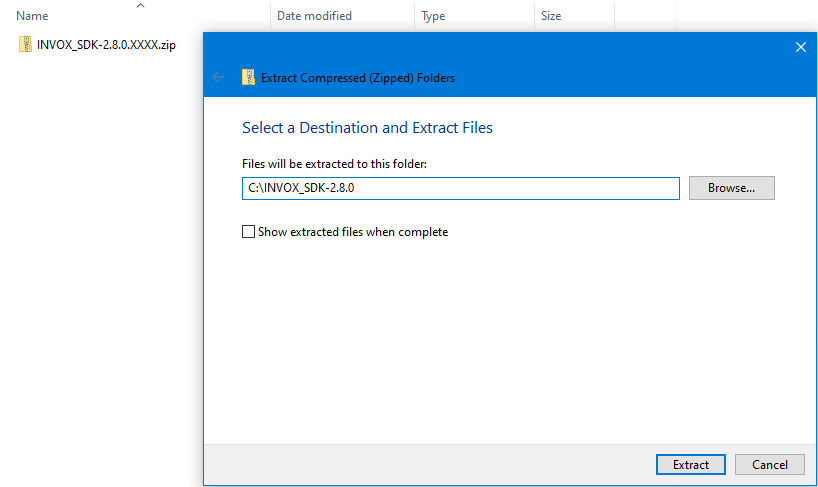
Once the process is finished, you will see the C:\INVOX_SDK-2.8.X folder.
Deploy SDK sample pages into a Docker container
Using Docker
- Make sure Docker is installed on your computer.
- Make sure Docker is running on your computer.
- Open a terminal (
cmdorpowershell). - Execute the command below, replacing
{PATH_TO_INVOX_SDK-2.8.X_FOLDER}withC:\INVOX_SDK-2.8.X:
docker run --name INVOX_SDK_SAMPLES -v {PATH_TO_INVOX_SDK-2.8.X_FOLDER}:/usr/local/apache2/htdocs/ -p 8080:80 -d httpd:2.4
- Container
INVOX_SDK_SAMPLESmust be created and running.
Using Docker Compose
- Make sure Docker and Docker Compose are installed on your computer.
- Make sure Docker is running on your computer.
- Open a terminal (
cmdorpowershell). - Move to the
C:\INVOX_SDK-2.8.X\dockerfolder. - Execute command:
docker-compose up
- Container
INVOX_SDK_SAMPLESmust be created and running.
Next steps
You can check the website by accessing http://127.0.0.1:8080/ or http://localhost:8080/ from a browser. The result should look like the following image.
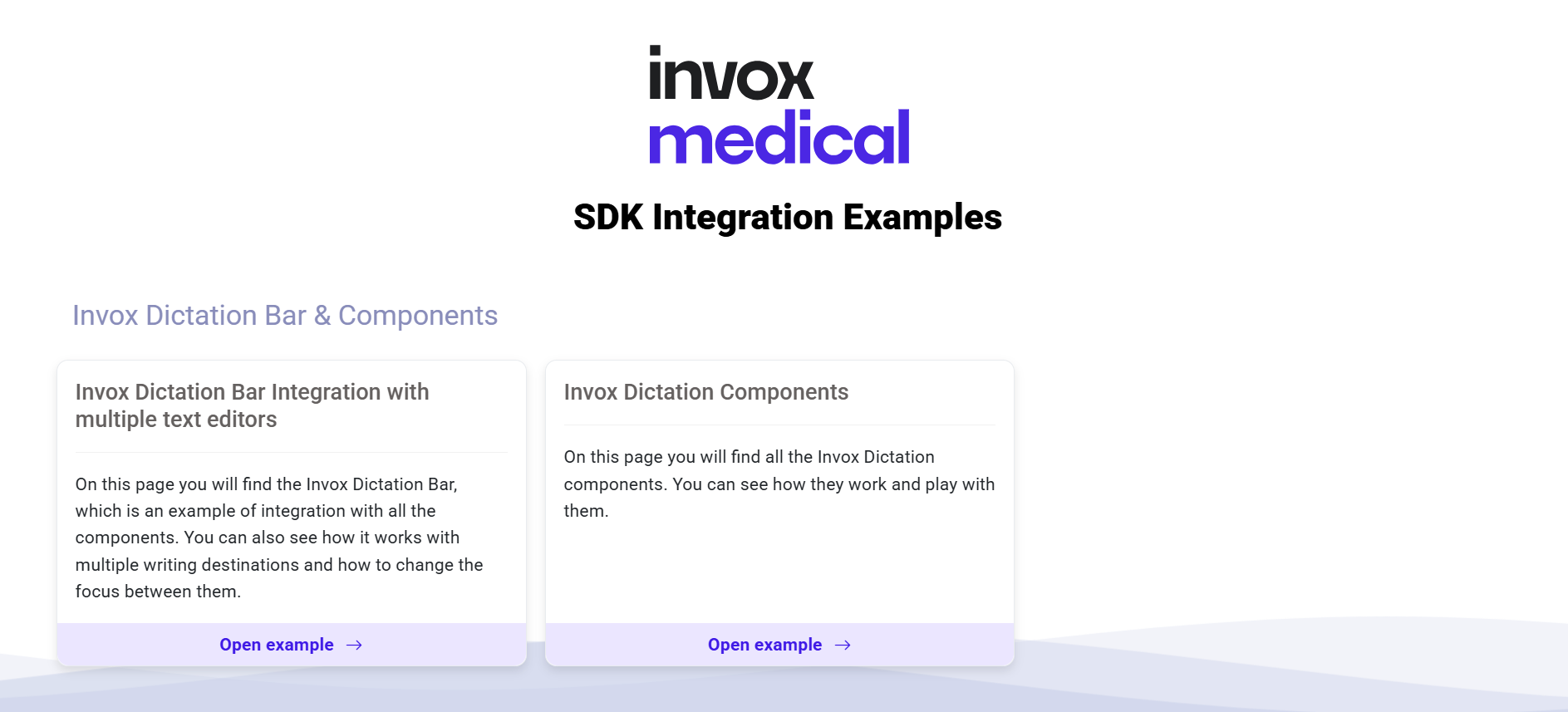
From here, you can refer to the Test Scenarios section for a more in-depth look at each example.